
 |
| IMAGE: Avast |
Admittedly, I have not always been the most secure person on the web; in fact, I was pretty horrible when it came to security. For someone that loves technology and interaction of connected services, my passwords and security protocols were absolutely horrible. Thankfully, I have grown up a little bit (in terms of security), and I would love to pass that wisdom on.
First of all, do NOT do what I used to do which is use the same password for almost everything including having the same password for email, social media, and financial services. Does anyone else see a problem with this? Considering how many data breaches we hear about every day, why would you want someone like Twitter or Snap having your PayPal and banking password? For the love all things, do yourself a favor and use unique, complicated passwords for every service; do NOT use pet names, kids names, birthdays, et cetera. The more complicated each password is and the more unique they are, obviously the more difficult it will be to crack.
So, I am sure you are thinking, "how am I going to remember all of those passwords?" If you like to kick it old school, write them on a paper and put it somewhere such as a safe; not exactly the best idea, but it is better than nothing I guess. How about a spreadsheet on the computer? Not too bad, but also not exactly the most secure thing in the world. My suggestion: password manager. I am certainly not sponsored by anyone, and I do not want to sound like a commercial, but I have been using LastPass and love it. I can store all of my passwords, have some randomly generated, and keep them all organized. It integrates with Chrome on my computer, and the app works nicely on my phone.
 |
| IMAGE: LastPass |
If you didn't know, password managers handle all of your passwords (heavily encrypted) so you only need to remember one master password. They work even better on my phone as I do not even need to always plug in the complicated master password because it accepts fingerprint login. So, even if you get my phone, you better have taken my finger with it if you want easy access to my passwords.
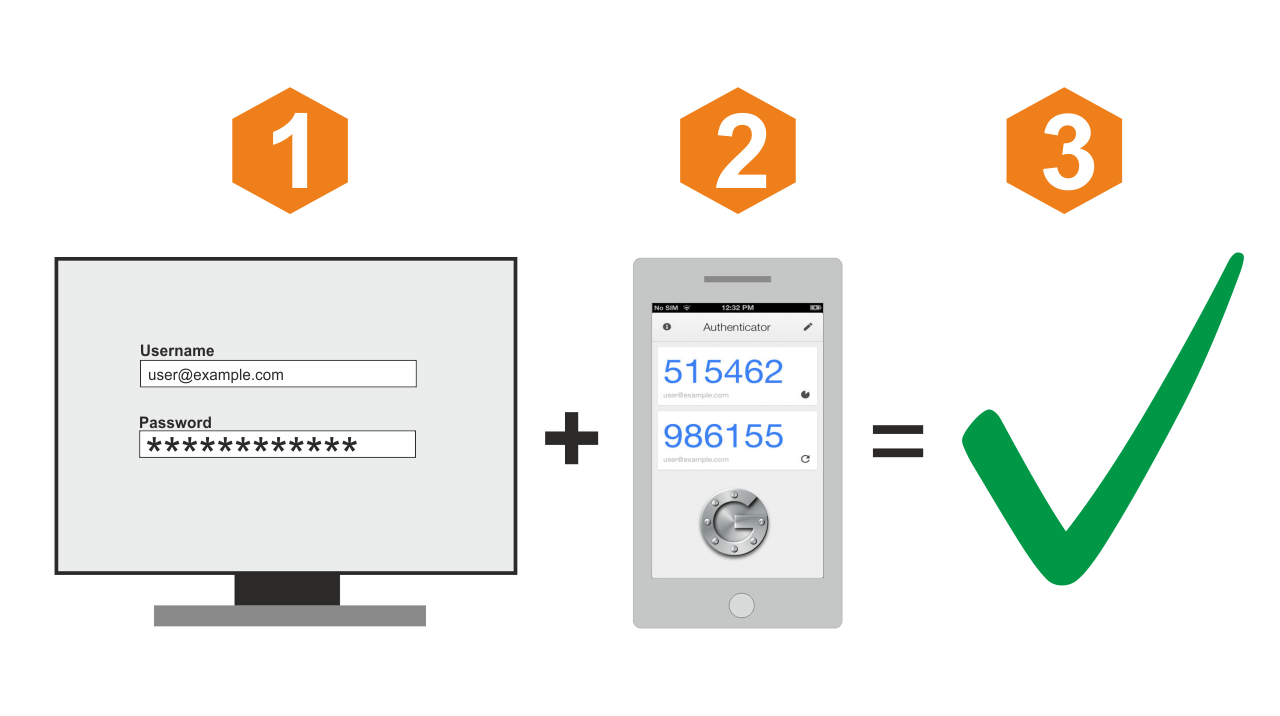
Are password managers full-proof? Of course not because no security really is 100% effective. However, it is a hell of a lot better than just using Fluffy1 as a password for everything. If you are even more security minded, I heavily suggest two-factor authentication on everything because it adds security and is easy to set up. With two-factor, you can have a unique code texted to you every time you log in so if someones tries to hack your account, they would also need your phone as well. If texting is not your flavor, use an authenticator app that gives you unique codes that only last a short period of time. You can add apps to Google Authenticator (and others) simply by scanning a QR code. How easy is that?
 |
| IMAGE: OPNSense |
I used to think security was overrated so I basically had the same password for everything (occasionally I would mix it up with a second password that I used for some things). However, it is stupid to think that people cannot get access to your account. While I am sure Google, Apple, Microsoft, Facebook, and Amazon have excellent security on their end, I prefer to have a little more control over my security. I suggest you do the same, and password managers, plus two-factor authentication, are a great place to start.
Comments
Post a Comment